Read Bitmap Color depth 4 Bits

Guest #6739947
I have a BMP file that I need to read in VHDL, but I have problems 
reading the colors, to be precise, with a color depth of 4 bits.
With a color depth of 24 bits it looks like this:

    r_in : in std_logic_vector(7 downto 0);
    g_in : in std_logic_vector(7 downto 0);
    b_in : in std_logic_vector(7 downto 0);

8 bits each for RGB.

With a color depth of 4 bits, it had to be different on the outside.

I am thankful for every help.
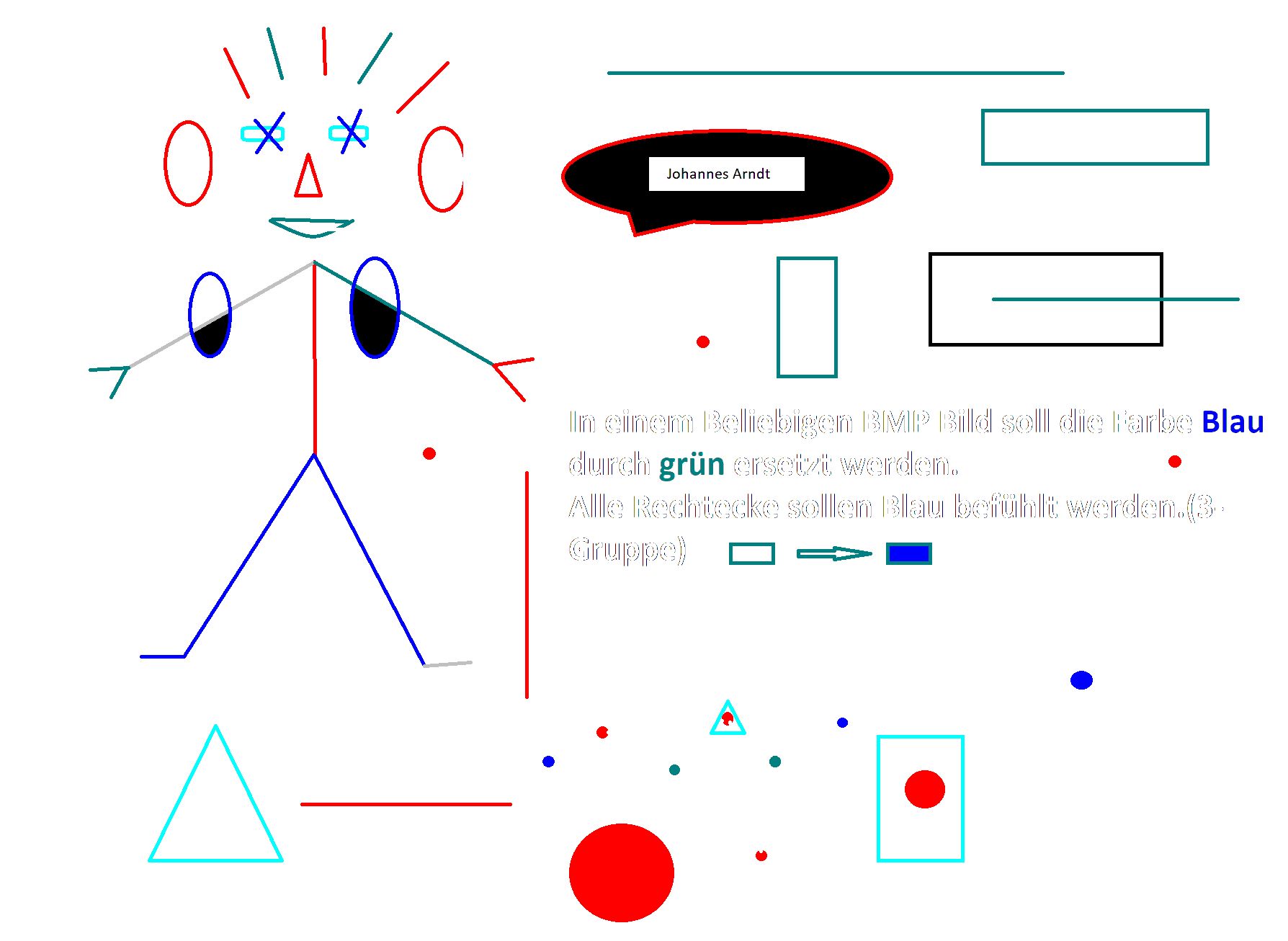
Guest #6740721
With a color depth of 4 bits, i.e. 4 bits per pixel.
With 4 bits the colors are indexed, so there are 16 color entries that 
are used.
This leaves 1 byte for RGB each.
Moderator (Company: Titel) #6740768
The first part of this kinda stupid exercise is fairly easy: examine the 
structure of the bmp file to find out what index green and blue have and 
where the picture data starts, then open it, read it, replace the 
corresponding nibbles and write it to a new file.

To find and afterwards fill random rectangles is not that easy, 
especially when they may be rotated in any way.

Reply

A question of your own? This thread is over 5 years old. Ask it in a thread of its own – more people read along there, and it gets answered more often and sooner.

Start a new thread

A fix, an addition or feedback on this thread? Then reply here.

Formatting
  • [c]C-Code[/c]
  • [vhdl]VHDL-Code[/vhdl]
  • [code]code in other languages, ASCII drawings[/code]
  • [math]formula (LaTeX syntax)[/math]
  • [[Title]] – link to an article
  • Link to another post: right-click its post ID (#8078628), copy the address, paste it into the text

More about formatting

Post long source code as an attachment, not in the text.

Already registered? Log in

Not shown to anyone. We send you a link; your post appears once you confirm it there.

By submitting you create a free account and accept the terms of use.